It’s 7:30 PM. You’ve wrestled them into pajamas, brushed the teeth, and settled onto the edge of the bed. You pull out a book, hoping for that magical bonding moment you see in movies. Instead, you get “The Sigh.” You know the one—it’s heavy, exasperated, and it breaks your heart just a little bit. Your child pushes the book away or stares blankly at the ceiling.
I have been there. Sitting in the dim light of a nightlight, feeling like I’m failing because my child doesn’t just naturally fall in love with reading. We often label these kids as “reluctant readers,” but after a decade of working with families and studying child development, I’ve realized they aren’t usually reluctant about stories. They are reluctant about the work required to decode them.
For a child raised in a high-definition, visually stimulating world, staring at a page of black text or flat, simple line drawings can feel like stepping back into the Stone Age. It’s not that they can’t read; it’s that the visual payoff isn’t matching the mental effort. This is where the specific magic of 3D illustrated PDF books changes the game completely. It’s not just a style choice; it’s a cognitive bridge.
Let’s get a little nerdy for a moment, but keep it practical. When a child looks at a standard 2D drawing, their brain recognizes it as a symbol. A stick figure is a symbol of a person. But when they look at a 3D rendered illustration—the kind with lighting, shadows, texture, and depth—their brain processes it closer to how it processes reality (or their favorite animated movies).
This is crucial for children who struggle with focus. 3D illustrations act as “visual anchors.” Because the image pops off the screen or page with almost tactile realism, it grabs the involuntary attention systems in the brain. It stops the scanning and scrolling impulse and invites the eye to linger.
Furthermore, this art style lowers the cognitive load of reading. When a child reads plain text, they have to do two hard things at once: decode the letters and visualize the scene in their mind. That is exhausting for a beginner. A high-quality 3D illustration does the heavy lifting of visualization for them. It sets the scene with cinematic quality, allowing their mental energy to be focused entirely on decoding the words. It transforms the experience from “work” to “immersive discovery.”
One of the biggest barriers to reading is the intimidation factor of a text-heavy page. 3D illustrated PDFs often look like stills from a Pixar or Dreamworks movie. You can use this to your advantage.
Before you read a single word, scroll through the PDF and look only at the images. Ask your child, “What do you think is happening in this movie scene?”
By engaging with the 3D art first, you are building a “scaffold” for the story. When you finally read the text, your child isn’t guessing context; they are confirming what they already saw in the pictures.
Many parents feel guilty about tablets. I get it. We are told to limit screen time. However, completely banning screens can make books seem like the “boring vegetable” compared to the “candy” of the iPad. PDF books offer a healthy middle ground.
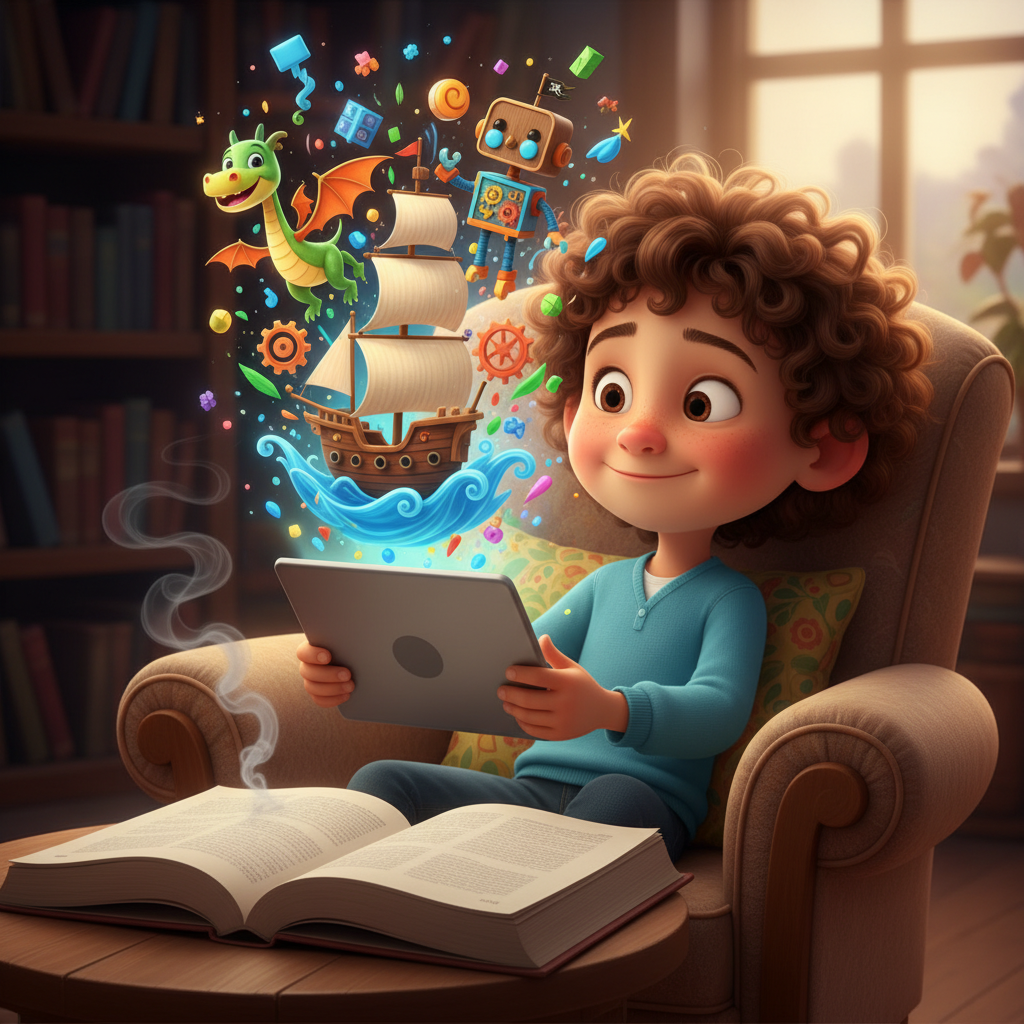
Using a tablet to read a high-quality 3D illustrated PDF utilizes the device your child already loves, but changes the behavior pattern. The screen is bright and backlit, which makes the 3D colors vivid and captivating, but the content is static.
Try this: Put the tablet in “Airplane Mode” or “Do Not Disturb” mode before opening the story. Explain to your child, “This is our special reading cinema.” The backlighting helps keep the eyes focused on the page (unlike a dim lamp on paper), and the lack of notifications keeps the brain in a “Deep Work” state. It tricks the dopamine center of the brain into enjoying the device, while you sneak in the educational benefits of reading.
Flat illustrations are often simple. 3D illustrations are usually dense with detail—shadows under a chair, reflections in a window, or individual leaves on a tree. This depth allows you to play visual literacy games that keep a reluctant reader engaged even when they are tired of words.
If your child starts to drift, stop reading and say, “I spy something… glowing.” Or ask, “I bet we can find three things in this picture that are blue.”
Because the art style has depth, it encourages the eye to explore the foreground and the background. This strengthens the eye muscles and tracking abilities required for reading text, without feeling like a drill. It turns the PDF into an interactive environment rather than a static page.
We all know the struggle of trying to find the right book at the library or bookstore. You spend 20 minutes flipping through pages only to find the art is dull or the story is too long. As parents, we simply don’t have the time to vet every single title for quality.
This is exactly why high-quality PDF Kids Fables are such a vital tool in your parenting toolkit. We realized that modern kids need modern visuals to get hooked on timeless morals. By curating stories that combine the latest in 3D illustration technology with heartwarming narratives, we remove the friction from storytime.
You don’t need to drive to the library. You don’t need to guess if the pictures will be boring. You can access a library of visually stunning, attention-grabbing stories instantly. These aren’t just files; they are a direct response to the “boring book” problem.
If you are ready to turn that heavy sigh into a gasp of “Wow, look at that!”, it’s time to try a format that speaks your child’s visual language. Download a story, cuddle up, and watch how quickly “I hate reading” turns into “Can we read one more?”